Dumbstagram
Instagram without Reels, Stories, ads or Explore.
Don’t let Instagram drag you into infinite scrolling. Dumbstagram keeps only what you came for: your Following feed and your DMs.
No account, no tracking. Works in Chrome on your computer.
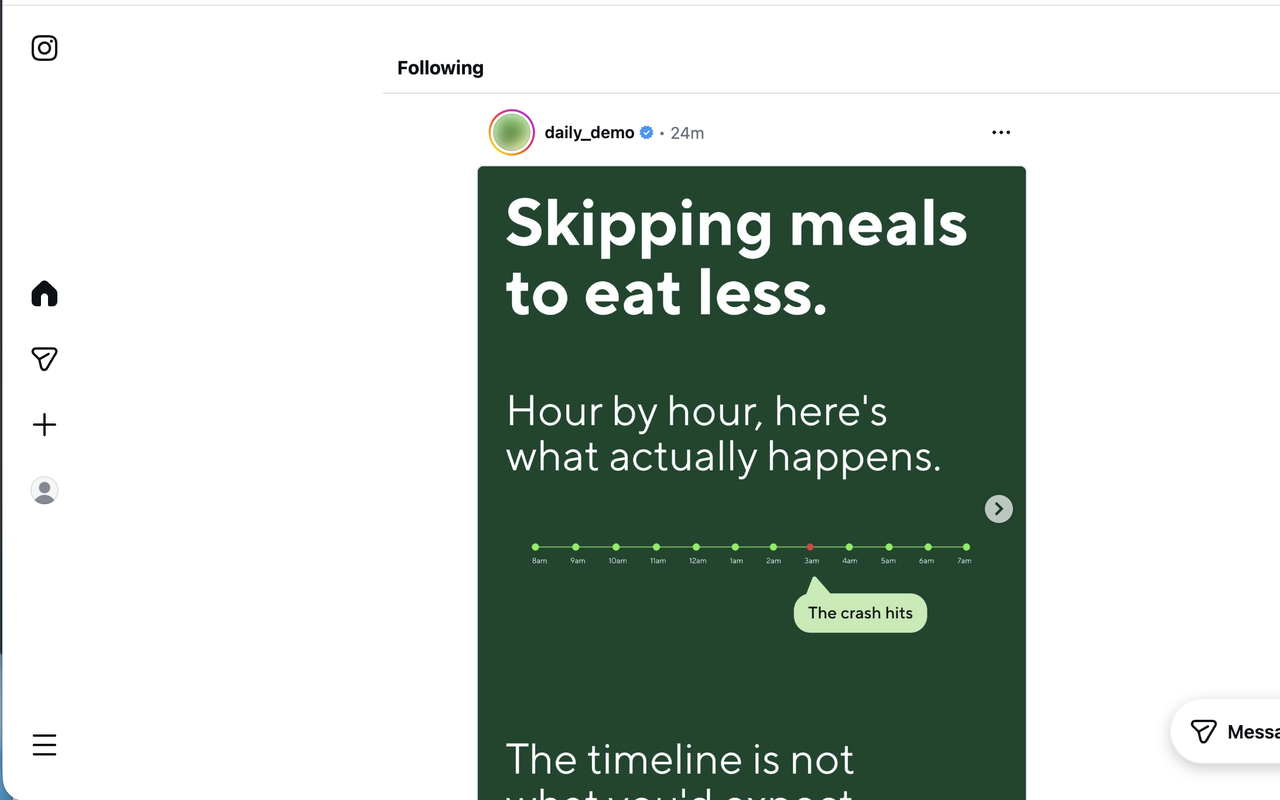
Half of all time on Instagram goes to Reels.
Dumbstagram hides that half. Source: Meta, Q1 2024 earnings call
Questions
How do I hide Reels and Stories on Instagram?
On desktop, install the Dumbstagram Chrome extension. It removes Reels, the Stories tray, Explore, ads and suggested posts from instagram.com before the page finishes loading, leaving only your Following feed and Direct Messages.
Does Dumbstagram work in the Instagram mobile app?
No. Browser extensions cannot change native apps. Dumbstagram works on instagram.com in Chrome on your computer — which also makes the desktop site the calmest place to check Instagram.
Does Dumbstagram need my Instagram login or collect data?
No account, no login, no tracking. The extension stores a single on/off switch on your own device and sends nothing anywhere. It runs only on instagram.com.
Does it switch my feed back to Following instead of the algorithm?
Yes. Dumbstagram keeps you on the chronological Following feed — posts from people you actually chose to follow, in order — instead of the algorithmic “For you” feed.
Can I turn Instagram back to normal?
Yes. One toggle in the Chrome toolbar turns everything back on when you actually want the chaos, and off again when you are done.
Is Dumbstagram free?
Yes. Dumbstagram is free on the Chrome Web Store, with no upsells and no premium tier.